
OnePlay Tutorial – Step-by-Step Platform Guides
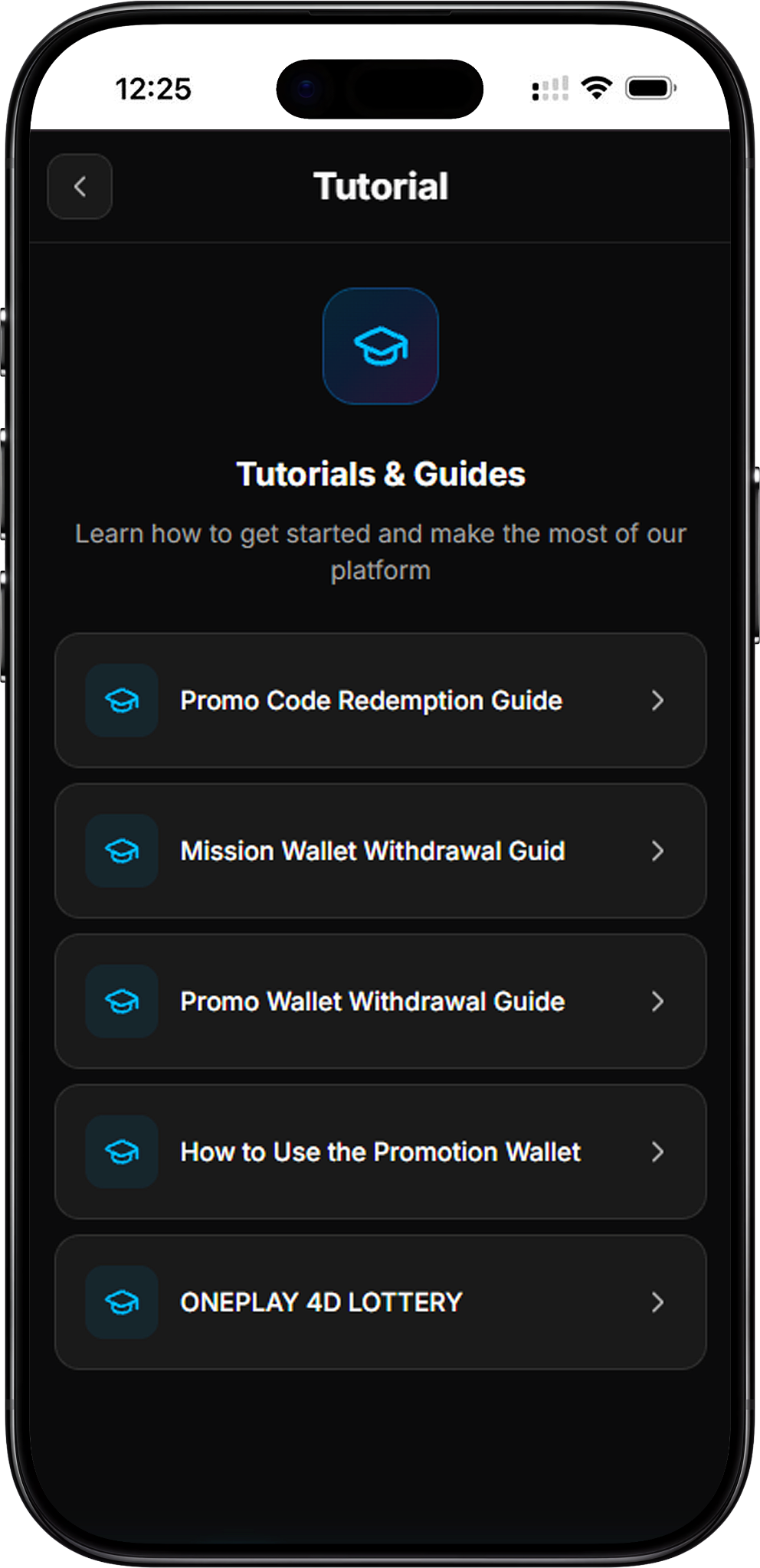
The OnePlay Tutorial provides practical step-by-step guides for key promotional features on the platform. Learn how to redeem a promo code, withdraw from your Promo Wallet, and use Promotion Wallet funds within the Promotion Games section.
OnePlay Promo Code Redemption Guide
Activate and Redeem a Promo Code
The Promo Code Redemption Guide explains the complete four-step process for claiming a promo code reward. Start by tapping the Treasure Chest icon at the top right, enter your promo code, tap Activate, and then select Redeem. Promo codes are case-sensitive, so uppercase and lowercase letters must be entered exactly as provided. After successful redemption, the reward is credited to your wallet automatically.
OnePlay Promo Wallet Withdrawal Guide
Withdraw from Your Promo Wallet
The Promo Wallet Withdrawal Guide shows how to withdraw an available promotional amount to your selected bank account. Click the account amount at the top right to open Wallet Details, select Promo Wallet, tap Promo Withdraw, and then select the relevant bonus and bank account. Review the amount, exchange rate, receivable amount and banking details before confirming the withdrawal.
How to Use the OnePlay Promotion Wallet
Use Promo Balance in Promotion Games
The Promotion Wallet Guide explains where and how promotional funds can be used. From the OnePlay homepage, enter Promotion Games, select an available game, choose Promotion Wallet on the game details page, and tap Play Now. Promotion Wallet is limited to the Promotion Games section and cannot be used in other sections such as Slots or Sports. Winnings generated while using this wallet are stored in the same wallet.
OnePlay Tutorial FAQ
What guides are available in the OnePlay Tutorial?
The OnePlay Tutorial currently covers Promo Code Redemption, Promo Wallet Withdrawal, and Promotion Wallet Usage. Each dedicated tutorial provides instructions for its respective process.
How do I redeem a OnePlay promo code?
Tap the Treasure Chest icon, enter the promo code exactly as provided, select Activate, and then tap Redeem. The reward is credited to your wallet after successful redemption.
How do I withdraw from the OnePlay Promo Wallet?
Open Wallet Details from the amount displayed at the top right, select Promo Wallet, choose Promo Withdraw, select the relevant bonus and bank account, review the details, and confirm the withdrawal.
How do I use my OnePlay Promotion Wallet?
Go to Home → Promotion Games, select an available game, choose Promotion Wallet, and tap Play Now.
Where can I use the Promotion Wallet?
Promotion Wallet can only be used within the Promotion Games section. It cannot be used in other sections such as Slots, Sports, or other game categories.
Are OnePlay promo codes case-sensitive?
Yes. Enter uppercase and lowercase letters exactly as provided when activating a promo code.
What should I check before a Promo Wallet withdrawal?
Review the selected bonus, withdrawal amount, exchange rate, receivable amount and selected bank account. Make sure your banking details are correct before confirming the withdrawal.
Explore OnePlay Tutorials
Follow the OnePlay guides to understand promo code redemption, Promo Wallet withdrawals and how to use your Promotion Wallet in Promotion Games.